GoHighLevel Conversations Inbox: How Contractors Manage Every Lead From One Place
Most contractors are managing leads across five or six different channels at once: text messages on their personal phone, emails in a shared inbox, Facebook Messenger from their business page, voicemails on the office line, and Google Business messages that maybe someone checks once a week. A lead comes in through any one of those channels, and if the right person doesn't see it fast enough, it dies quietly.
This is the everyday lead management problem that GoHighLevel built its Conversations inbox to solve. One screen. Every channel. Complete history. For contractors managing $25,000 to $150,000 jobs, that single interface is worth more than most people expect.
This post breaks down exactly how GoHighLevel Conversations works, why contractors specifically benefit from unified messaging, and what it takes to set it up and use it effectively.
What Is GoHighLevel Conversations?
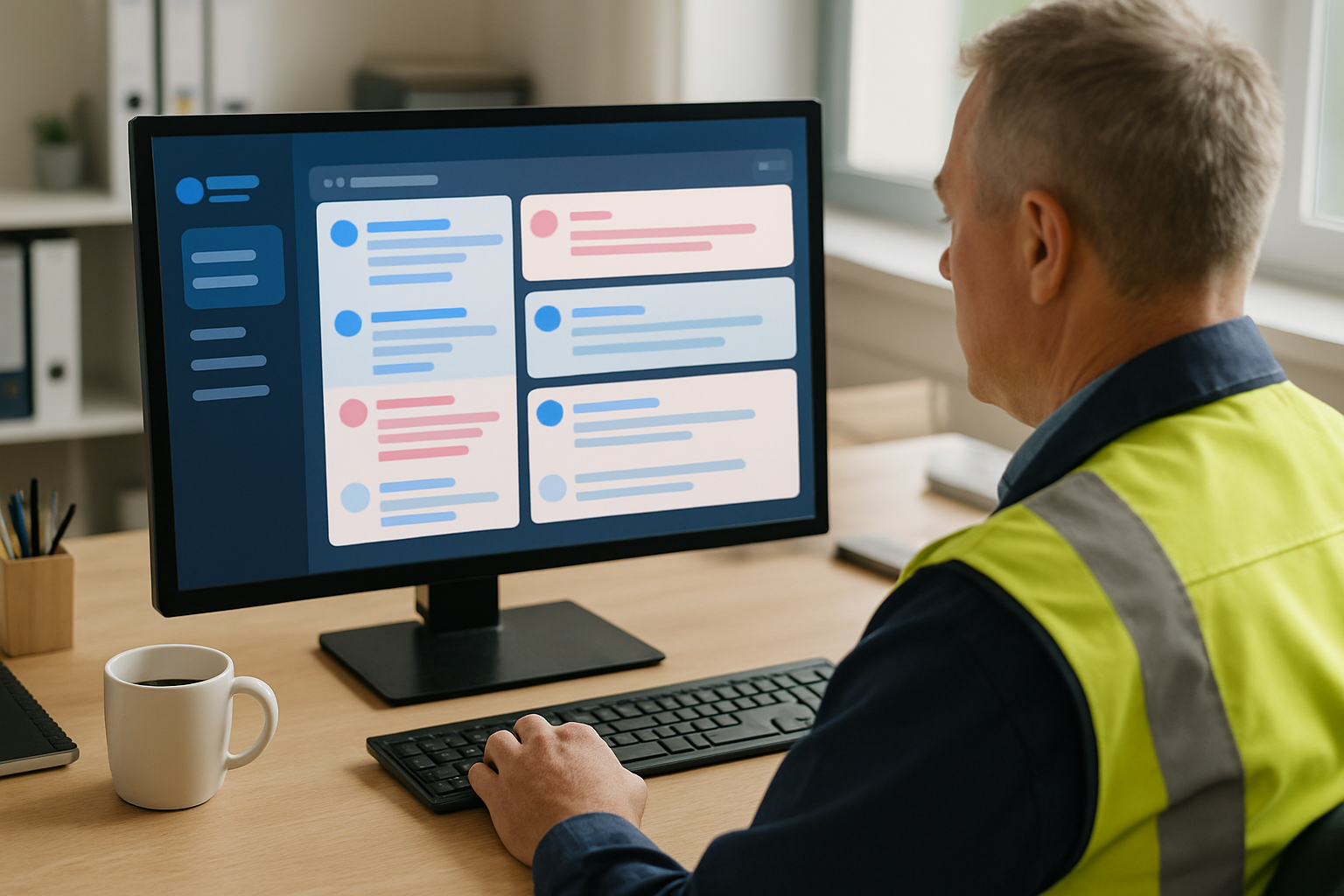
GoHighLevel Conversations is the unified inbox at the center of the GoHighLevel platform. It aggregates incoming and outgoing messages from every connected channel into a single, threaded view organized by contact. Each contact has one conversation thread that shows every SMS, email, call record, Facebook message, and internal note in chronological order.
When a homeowner texts your business number on Monday, emails a follow-up on Wednesday, and calls Thursday morning, all three touchpoints appear in one thread under their name. Whoever responds next sees the full history without hunting through different apps or asking a colleague what was said before.
Channels supported in GoHighLevel Conversations include:
- SMS (two-way texting from your business number)
- Email (two-way, connected to your business email)
- Inbound and outbound phone calls with call recording
- Facebook Messenger
- Instagram DMs
- Google Business Profile messages
- Website live chat
All of it lands in one place. Your team stops checking seven different apps and starts working from a single inbox.
Why Scattered Messaging Kills Contractor Revenue
A contractor's communication problem isn't about volume. It's about fragmentation. A roofing company owner might have leads coming in through their personal cell, a separate business line, a company email, a Facebook page their admin manages, and Google messages that forward to an email no one checks. The lead doesn't fail because no one cared. It fails because nobody had a clear view of what came in and who was responsible for it.
The numbers make this painful. If a contractor's average job is $15,000 and they miss or delay response on just two leads per week, that's potentially $30,000 in weekly revenue risk from a communication problem, not a sales problem. Closing more isn't the answer. Losing fewer is.
Unified messaging solves this by creating one source of truth. There's no question about whether a lead was responded to. There's no "I thought you were handling that one." The conversation thread is either answered or it isn't. Accountability becomes visible.
How GoHighLevel Conversations Works for Contractors
The Contact-Centric Thread
Every conversation in GoHighLevel is organized around a contact, not a channel. This is different from how most people manage communication. Most inboxes show you a list of messages on that platform. GoHighLevel shows you a list of people and every message from or to that person, regardless of channel.
For contractors, this means when a prospect becomes a client, the lead conversation, the estimate follow-up, the contract question, and the project completion text are all in one place. When you're billing or sending a review request six months later, you can see the entire history of that relationship.
Team Assignment and Accountability
GoHighLevel Conversations is a shared inbox, not a personal one. Every conversation can be assigned to a specific team member. An unassigned conversation stays visible to the whole team until someone claims it or an admin assigns it.
For a mid-size contractor with an office manager, a sales coordinator, and field supervisors, this creates clear accountability. The office manager sees all new leads. She assigns roofing inquiries to one salesperson and siding inquiries to another. Each salesperson sees their assigned conversations and nothing else gets lost. Managers see everything.
Internal notes let team members leave context that contacts never see. "Homeowner mentioned they've already had two other bids. Move fast." That note lives in the thread. Whoever calls next knows what they're walking into.
Missed Call Text-Back via Conversations
GoHighLevel can automatically send an SMS through the Conversations inbox the moment a call goes unanswered. The text fires within seconds: "Hi, this is [Company Name]. Sorry we missed your call. What project can we help you with?" The homeowner responds, and that reply lands directly in the Conversations inbox for your team to pick up.
This is significant because contractors miss a large percentage of inbound calls during peak season. Crews are in the field. Office staff are on other calls. The missed call text-back keeps the lead alive and starts the conversation before the prospect gives up or calls someone else.
Automated First Response
Beyond missed calls, GoHighLevel can send automated first-response messages through Conversations when a lead comes in through any channel. A new form submission from your website triggers an immediate SMS. A Google Business message gets an automatic acknowledgment within seconds. A Facebook lead ad submission gets a follow-up text before the prospect closes the app.
Every automated response lands in the same Conversations thread so your team can jump in and continue the conversation manually when they're available. The contact experience is seamless. From their side, it looks like your business responds instantly. From your team's side, the automation handles the first touch and they pick up from there.
Call Recording and Transcription
GoHighLevel logs inbound and outbound calls within Conversations with optional recording. For contractors who make a lot of verbal commitments about scope, timelines, and pricing, having a call recording attached to the contact record has obvious value. When a dispute arises about what was promised, the record exists.
Transcription capabilities let you search conversations across all channels, including calls, to find specific information without listening to recordings. For training purposes, call recordings also let you review how your team handles common objections and identify where conversations break down.
Setting Up GoHighLevel Conversations for a Contracting Business
Connect Your Channels
The first step is connecting every channel your business uses. This includes your business phone number (or purchasing a GoHighLevel number), your business email, Facebook Business page, Instagram account, and Google Business Profile. Each connection takes ten to thirty minutes depending on verification requirements. Once connected, messages from that channel flow automatically into Conversations.
Set Up Call Forwarding
If your business uses an existing phone number that customers already know, GoHighLevel can forward calls to that number through the platform so call activity is tracked and recorded. Alternatively, you can publish the GoHighLevel number directly and port over existing numbers if needed.
Configure Automated Responses
Build your missed call text-back and first-response automations before you start using Conversations in production. These should be running on day one. The moment a lead comes in and gets an immediate response, you'll see the difference in engagement rates.
Define Assignment Rules
Decide how conversations get assigned. Automatic round-robin assignments work well for teams of equal salespeople. Manual assignment works better when different team members handle different service types. Build the assignment rules before you launch so no conversations sit unassigned during the first week.
Train Your Team on the Mobile App
GoHighLevel's mobile app gives full Conversations access from any phone. Field supervisors can respond to leads from the job site. Sales coordinators can follow up between appointments. Build the habit early: check Conversations, not personal text threads, not the company Facebook page, not a separate email app. One inbox, all messages.
Common Mistakes Contractors Make With Unified Inboxes
The most common mistake is connecting the channels but not training the team to use Conversations as their primary interface. People default to what's familiar. If your office manager keeps checking Facebook Messenger directly and your salesperson still responds from their personal cell, the unified inbox doesn't unify anything.
The second mistake is leaving conversations unassigned. An unassigned conversation is a conversation that everyone assumes someone else is handling. Build the habit of assigning every new conversation within the first hour, even if it's just assigned to the person who will follow up next business day.
The third mistake is turning off automations after the first few manual conversations. Automations aren't for replacing human conversations. They're for making sure every lead gets acknowledged immediately, regardless of when it comes in or who's available.
Why Contractors Who Use GoHighLevel Conversations Close More Jobs
The math is straightforward. Faster first response converts more leads. Leads that get a response within five minutes are dramatically more likely to close than leads that wait hours. GoHighLevel Conversations, combined with automated first-touch messaging, ensures your first response happens in seconds regardless of when the lead comes in or who's on the clock.
Beyond first response, the complete conversation history means your sales team is never starting blind. They know what was discussed, what was quoted, and what objections came up before. That context closes jobs. Walking into a second call knowing the homeowner got three bids and cares most about timeline, not price, is worth more than any sales script.
How Rockitgo Digital Sets Up GoHighLevel Conversations for Contractors
We implement GoHighLevel for contracting businesses end-to-end, including Conversations setup, channel connections, automation sequences, assignment rules, and team training. We also integrate Zoey, our AI receptionist, to handle inbound calls around the clock and route qualified leads directly into the Conversations inbox. Your team starts every morning with a full inbox of engaged prospects instead of a stack of missed calls and unanswered messages.
Ready to Manage Every Lead From One Inbox?
Book a free strategy call. We'll show you exactly how GoHighLevel Conversations and Zoey AI can transform how your contracting business handles leads.
Book Your Free Strategy CallFrequently Asked Questions
What channels does GoHighLevel Conversations support?
GoHighLevel Conversations supports SMS, email, phone calls with call recording, Facebook Messenger, Instagram DMs, Google Business Profile messages, and website live chat. All messages from all connected channels appear in one unified inbox organized by contact, so your team sees every touchpoint with a lead or client in a single thread.
Can multiple team members access GoHighLevel Conversations?
Yes. GoHighLevel Conversations is a shared team inbox. Multiple users can see all conversations, assign threads to specific team members, leave internal notes visible only to the team, and pick up any conversation without losing context. Conversations can be assigned to specific staff so accountability is always clear and nothing falls through the gap between team members.
Does GoHighLevel Conversations work on mobile?
Yes. GoHighLevel has a mobile app that includes full Conversations access. Contractors and office staff can respond to leads from any channel directly from their phone, with the complete conversation history available. This is particularly valuable for field supervisors who need to stay on top of incoming inquiries without being at a desk.
Can GoHighLevel Conversations be automated?
Yes. GoHighLevel's automation engine integrates directly with Conversations. You can set up automated responses, follow-up sequences, and missed call text-backs that send through the Conversations inbox. Every automated message and every manual reply appear in the same thread, so the contact experience is seamless and your team has full visibility into what was already said automatically before they jump in manually.